|
This Will Give You Two More Images Make Sure Image 1 Is Your Active Image Go Up to Effects Plugin Filters Vm Natural Sparkle With These Settings 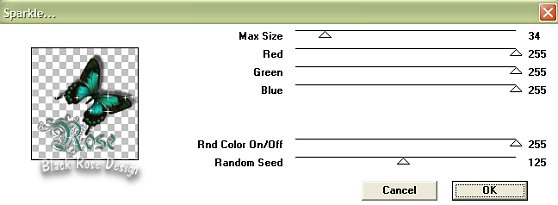
File Save As Image1.psp Make Sure Image 2 Is Your Active Image Go Up to Effects Plugin Filters Vm Natural Sparkle With These Settings 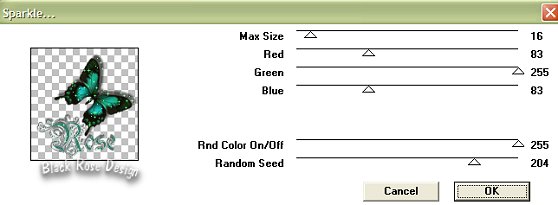
File Save As Image2.psp Make Sure Image 3 Is Your Active Image Go Up to Effects Plugin Filters Vm Natural Sparkle With These Settings 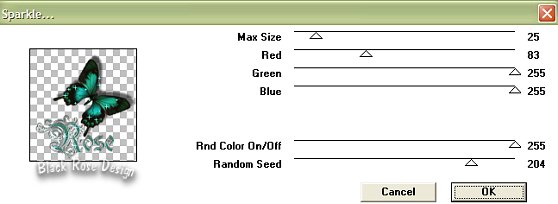
File Save As Image3.psp You Can Go Ahead And Close All The Images Now For The Fun Part :-) Go Up And Launch Animation Shop 
|